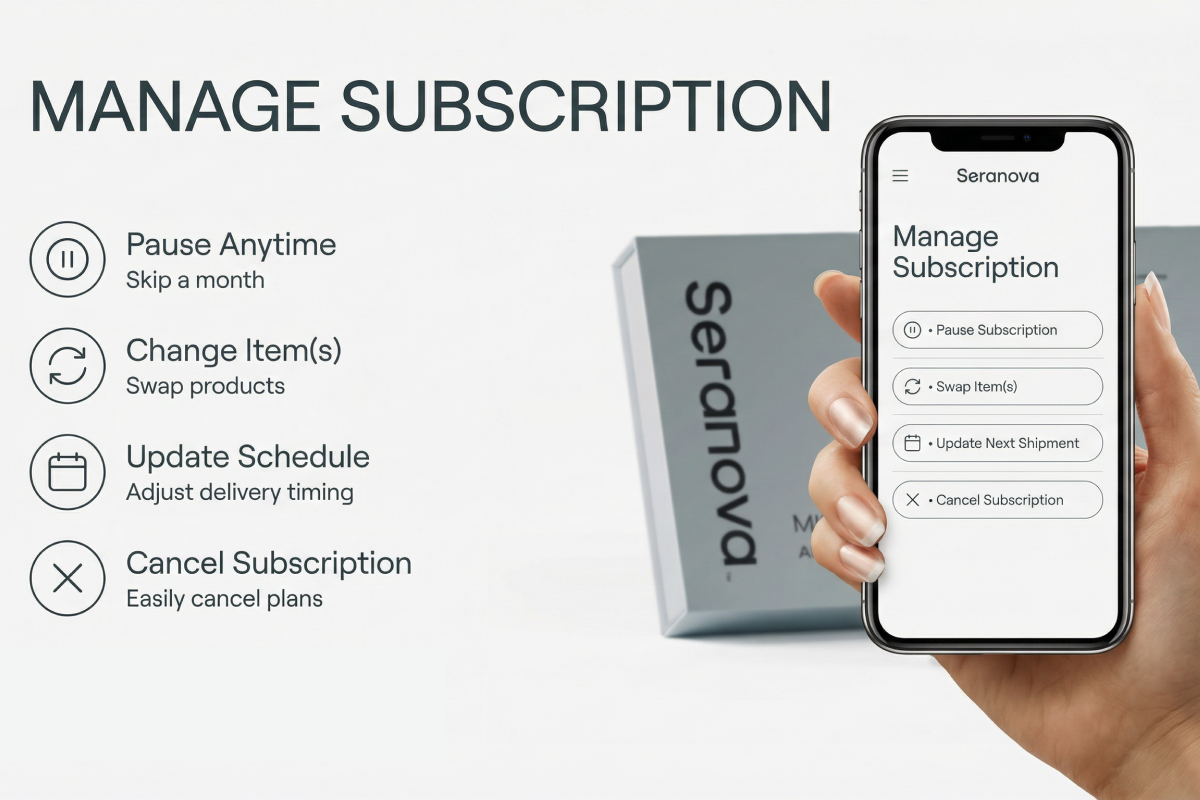
🔐 How do I log in to manage my subscription?Updated 15 days ago
Need to know how to log in? No worries! Follow these easy steps to log in to your account with ease.
⚠ Important: We currently have two different subscription portals, depending on where you originally purchased your Seranova products.
Social Media Offers (Facebook, Instagram, etc.)
If you purchased through a special offer or ad on social media, your subscription is managed through our Old Subscription Portal.Main Website Purchases
If you purchased directly from our website (not through a social media ad), your subscription is managed through our New Subscription Portal.
*** Below you will find instructions on how to modify your subscription in both of our customer portals.***
Step 1. Navigate to the bottom of our website and look for the option called "Manage my subscription"
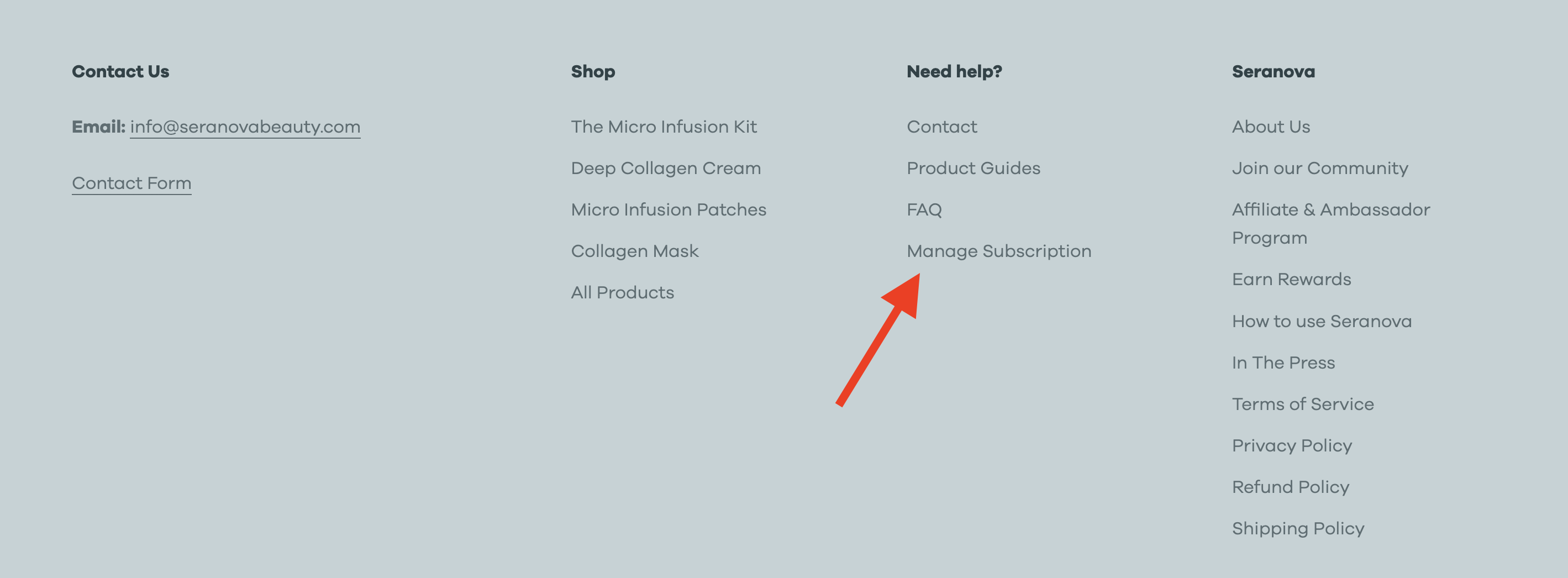
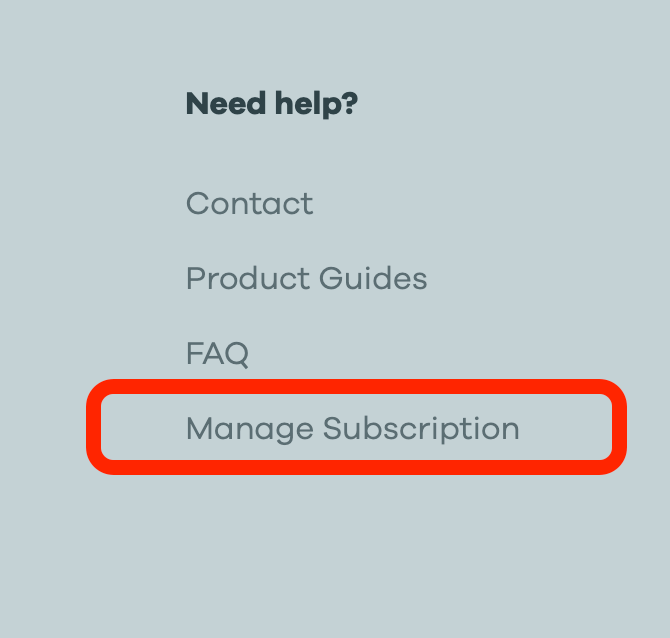
Step 2. Alternatively, click on the following link: Manage my Subscription. We will redirect you to our subscription page.
Step 3. Enter the email associated with your Seranova Purchase, and a 1 time login link will be sent to your email address. Please make sure to check on your Spam folder!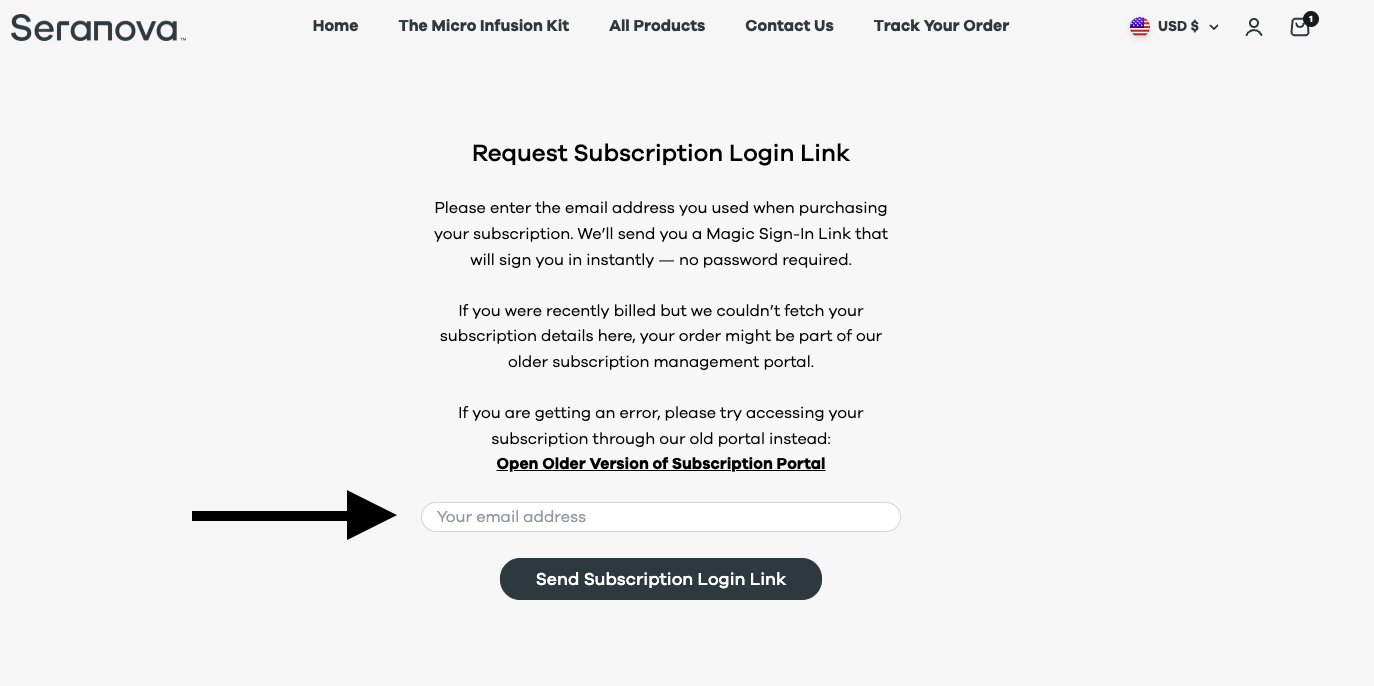
Step 3.1 If you get an error message saying we were unable to fetch your subscription details, please try using our Old Subscription Portal, enter your email again, your subscription details will be there.
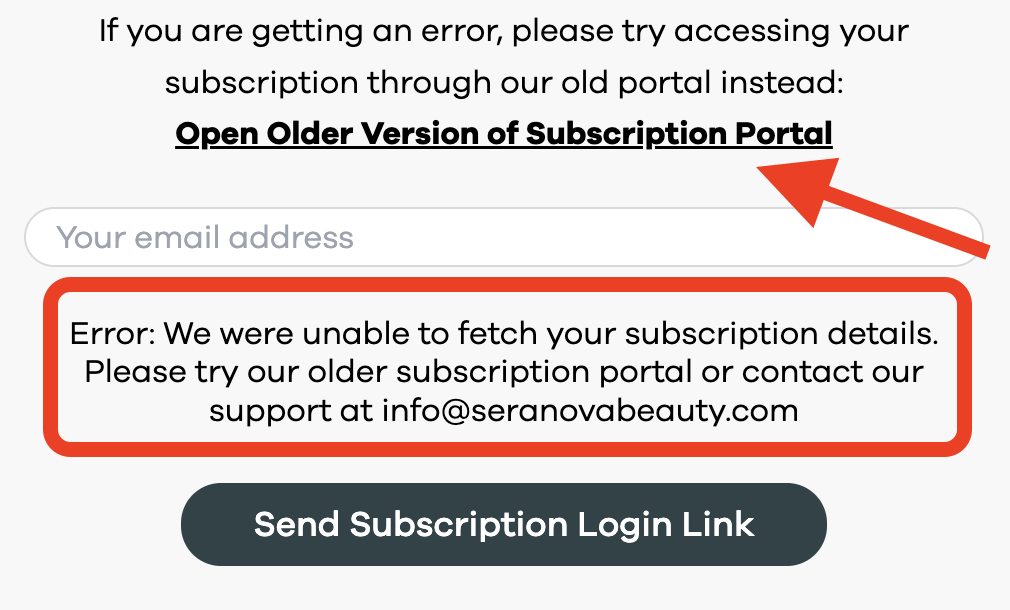
Please scroll down to Step 5 for further instructions on how to manage your subscription from our Old Subscription Portal
Step 3.2 If your subscription was found in our New Subscription Portal, you will see the message "Mail sent successfully" - Please follow the instructions found in Step 4.
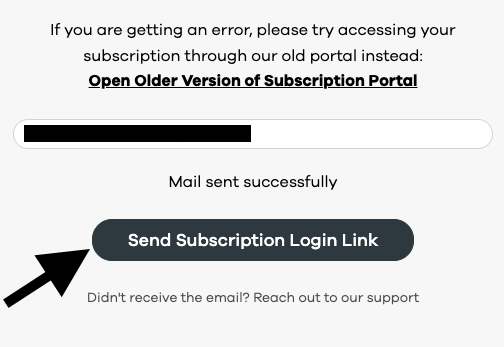
Step 4. Navigate to your email inbox and click the option named "Click here to sign in"
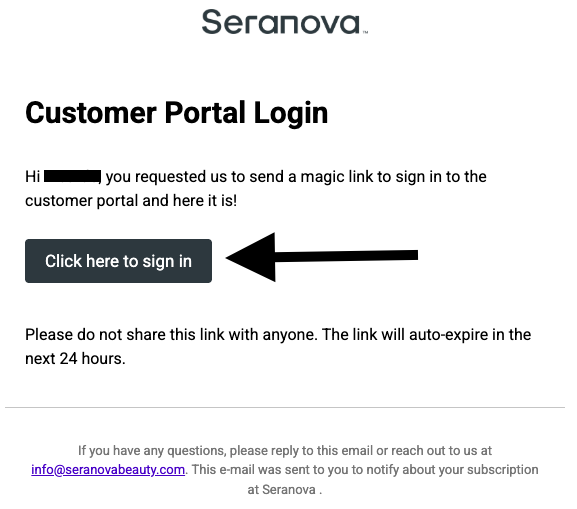
Step 4.1- You are now logged in and can modify your subscription as needed. 🎉
Step 5 - If you had issues logging to our New Subscription Portal, please try using our Old Subscription Portal. You can do so by clicking here: Open Older Version of Subscription Portal or directly in the subscription page.
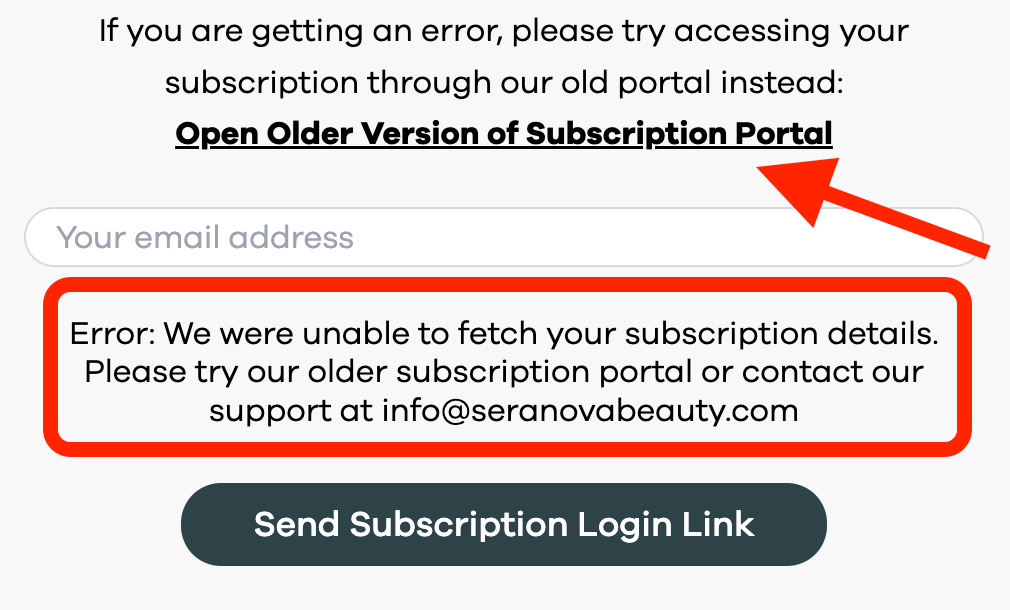
Step 6 - You will be redirected to our old subscription portal, please select the option that better fits what you want to accomplish today.
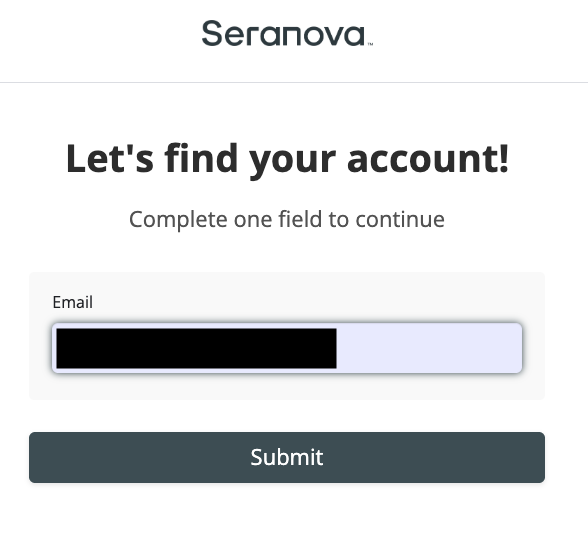
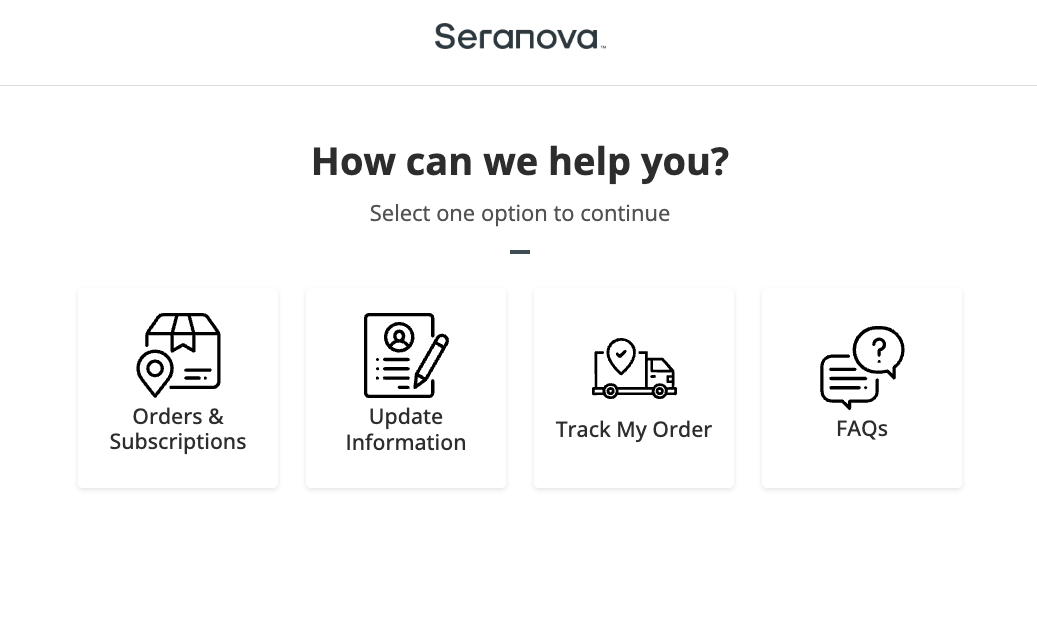 Step 7 - Enter your email address and click submit.
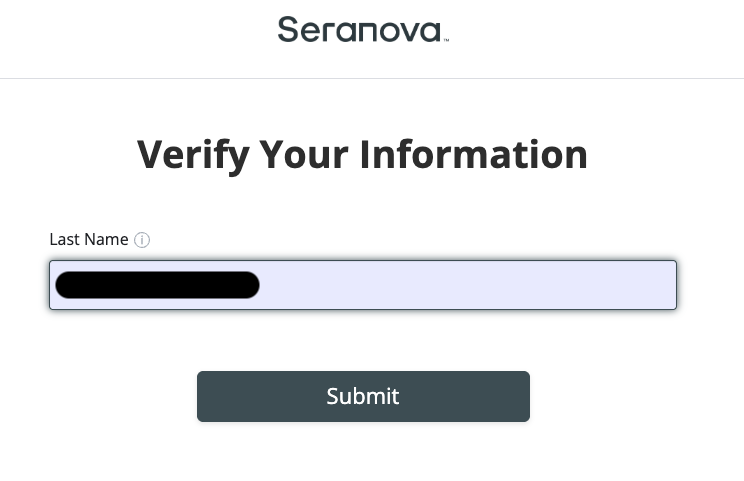
Step 8 - Enter your last name and click submit.
Step 8.1- You are now logged in and can modify your subscription as needed. 🎉
If you still have any questions or require additional help please reach out to us at